Simple hardware with the software built in.
No separate hardware and software vendors. A device for each car that also logs data for the driver, a self-surveying base station for the venue, and the cloud timing engine that scores the event. We supply and maintain the whole fleet.
As simple as grab and go.
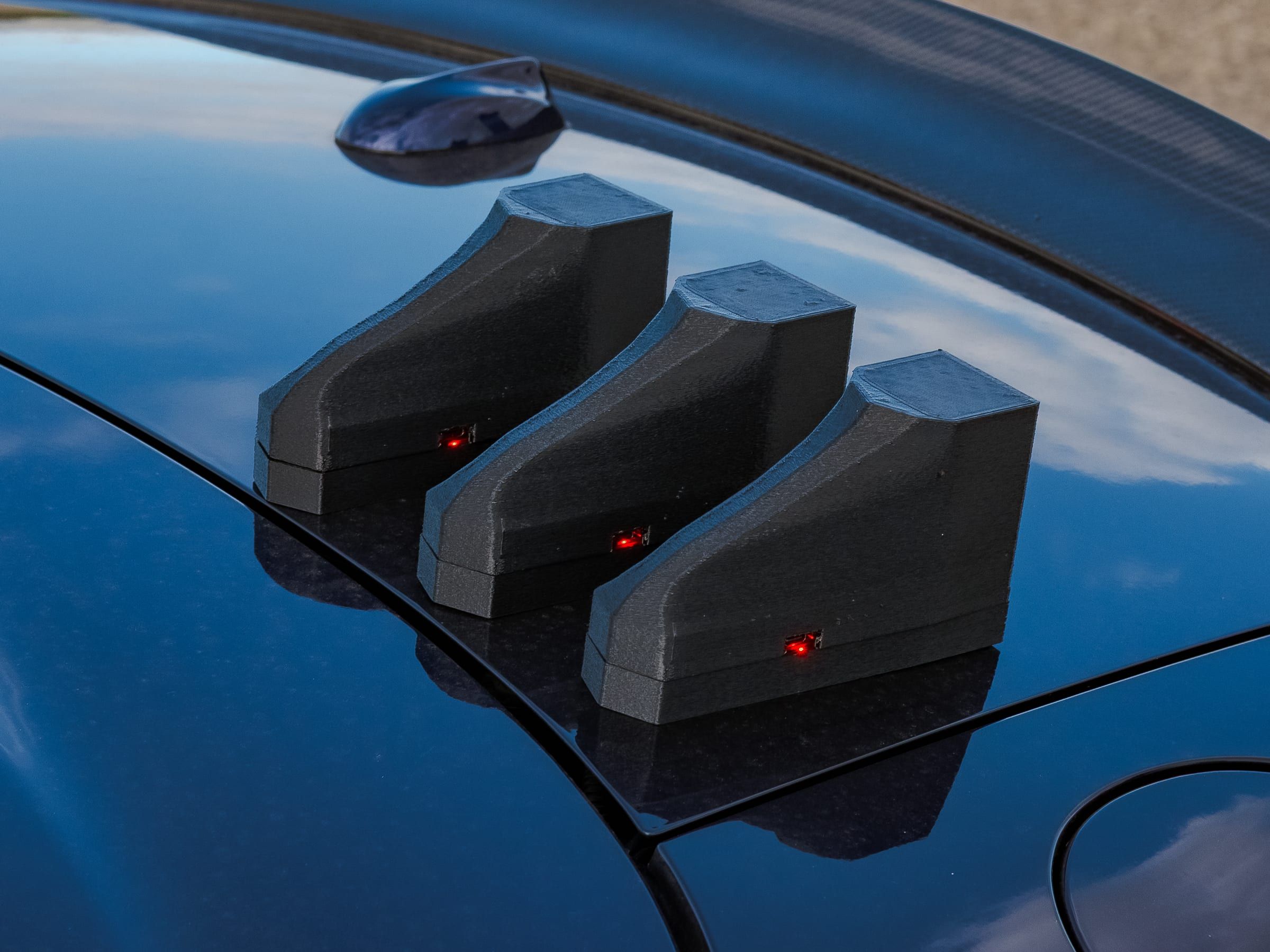
On the car
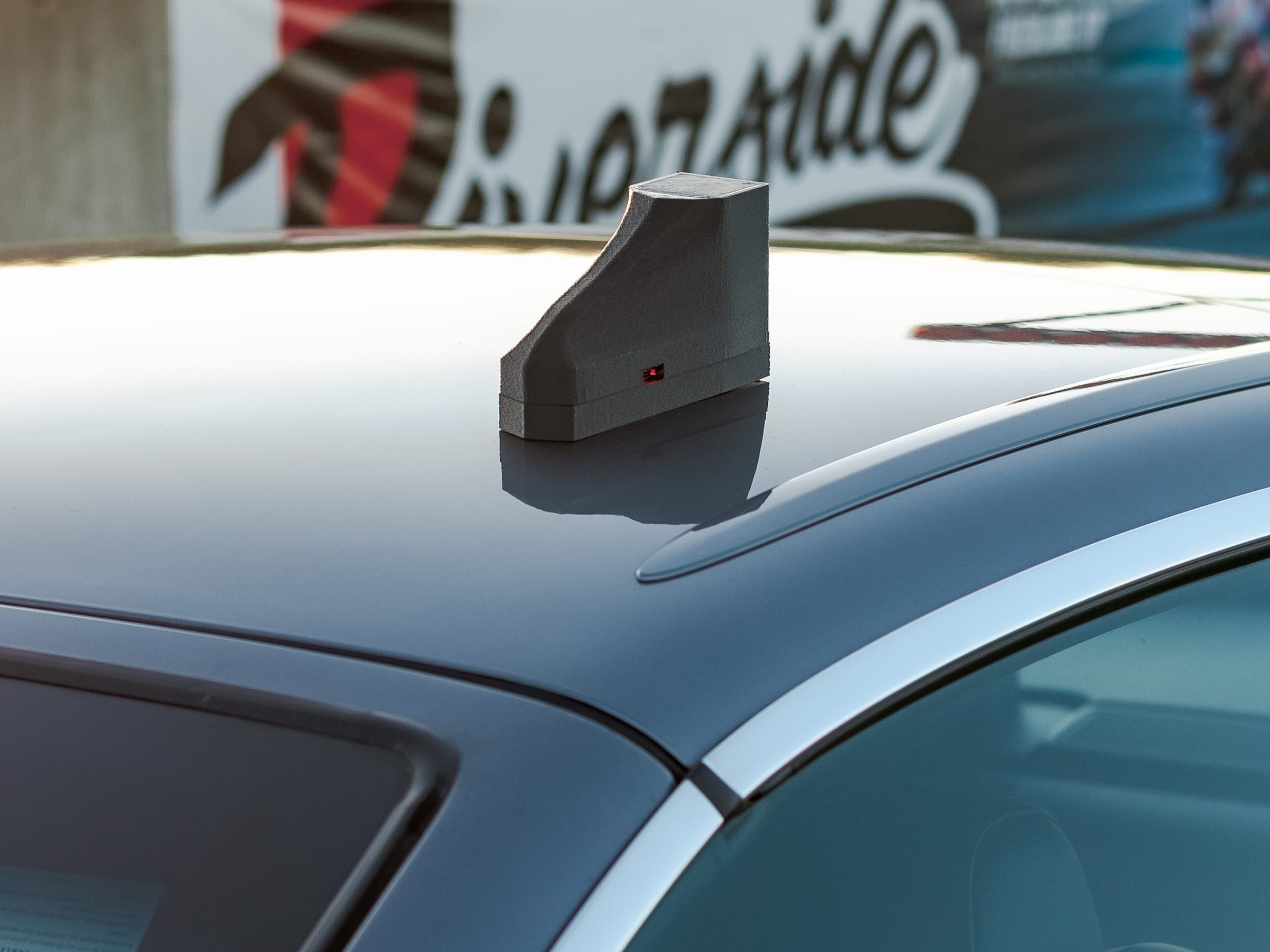
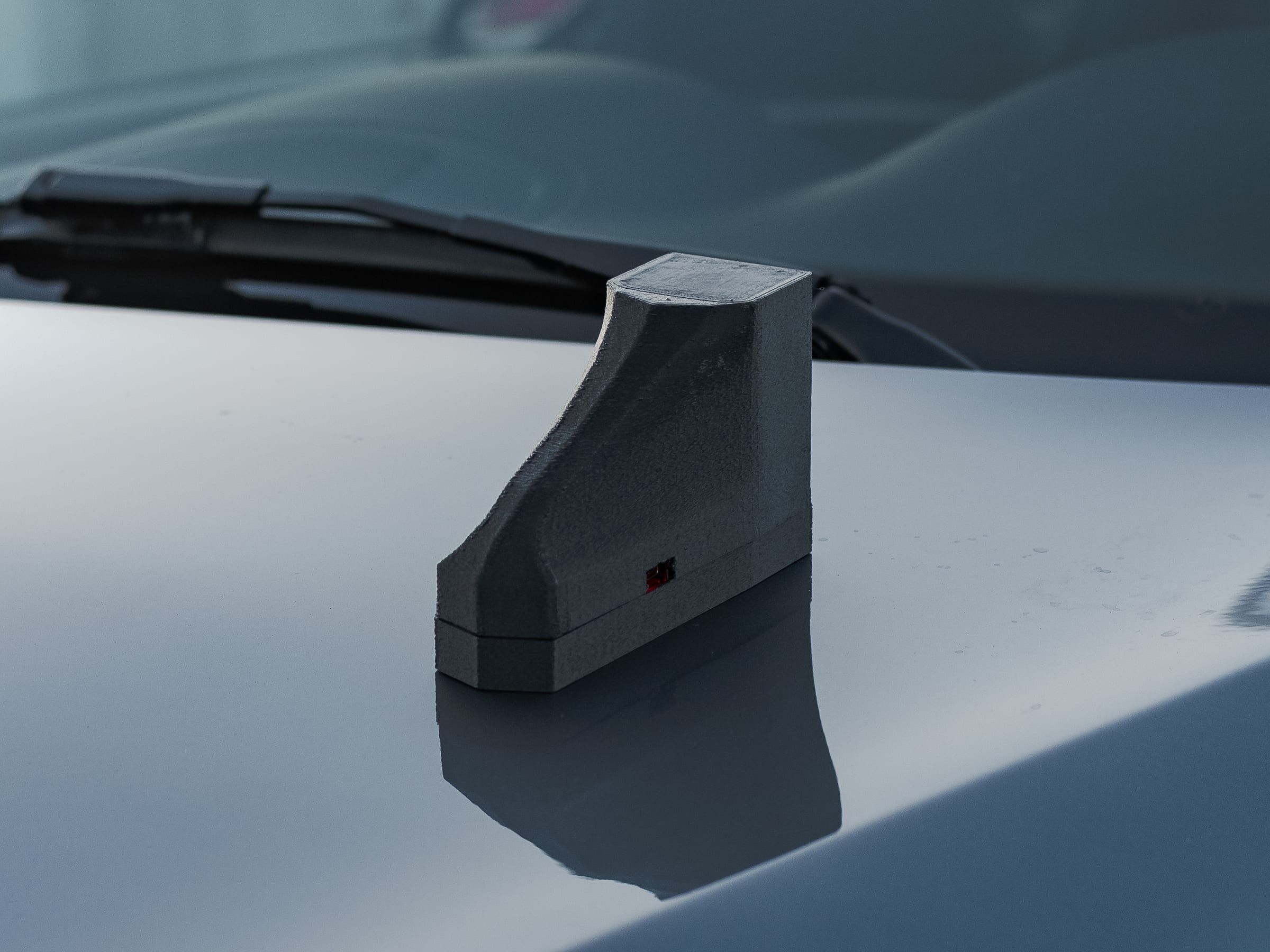
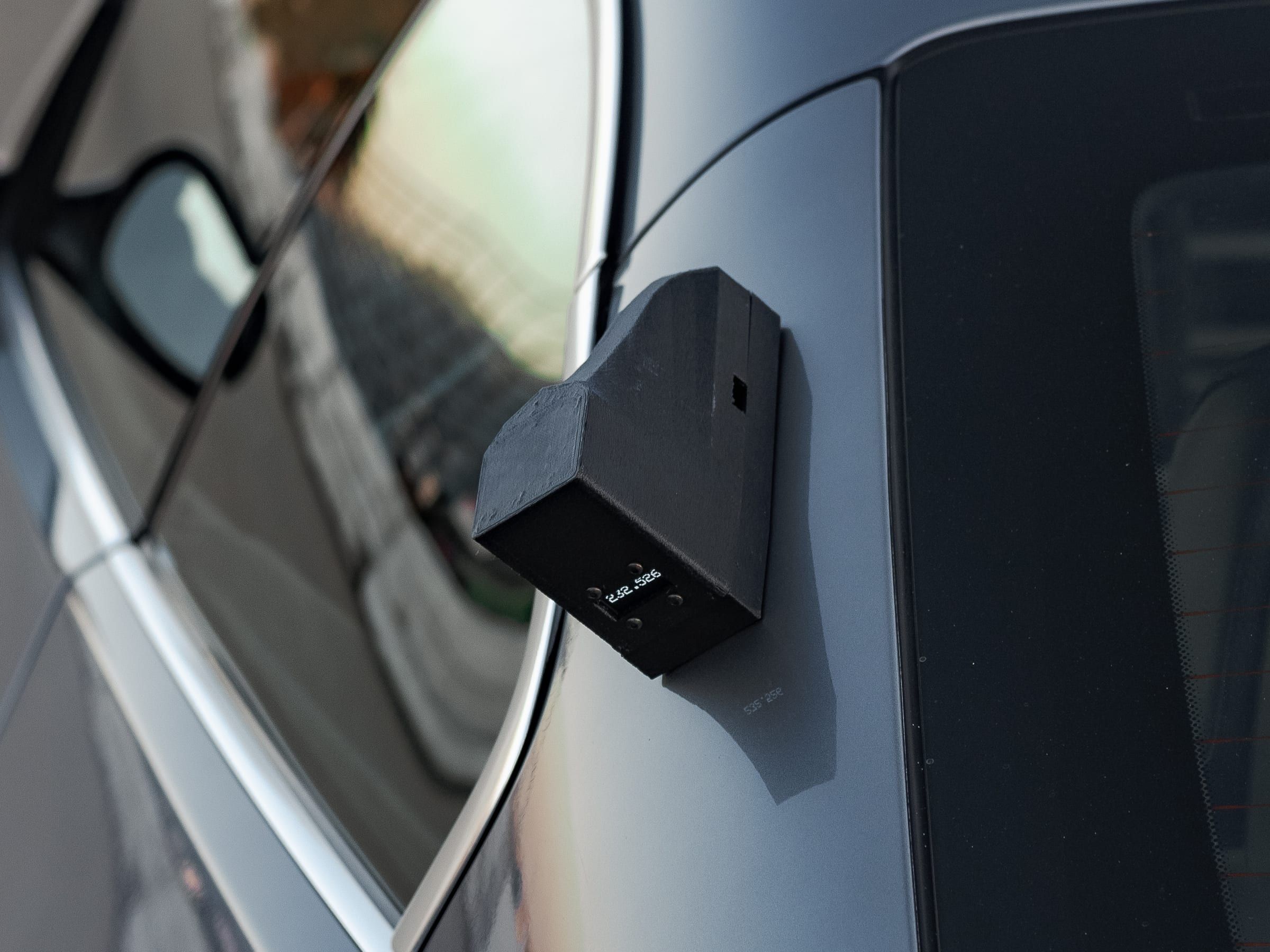
The official event transponder and a driver data logger in one device. Mount it on the roof or hood with strong cup magnets or lever suction cups, or clamp it to a roll cage pipe.
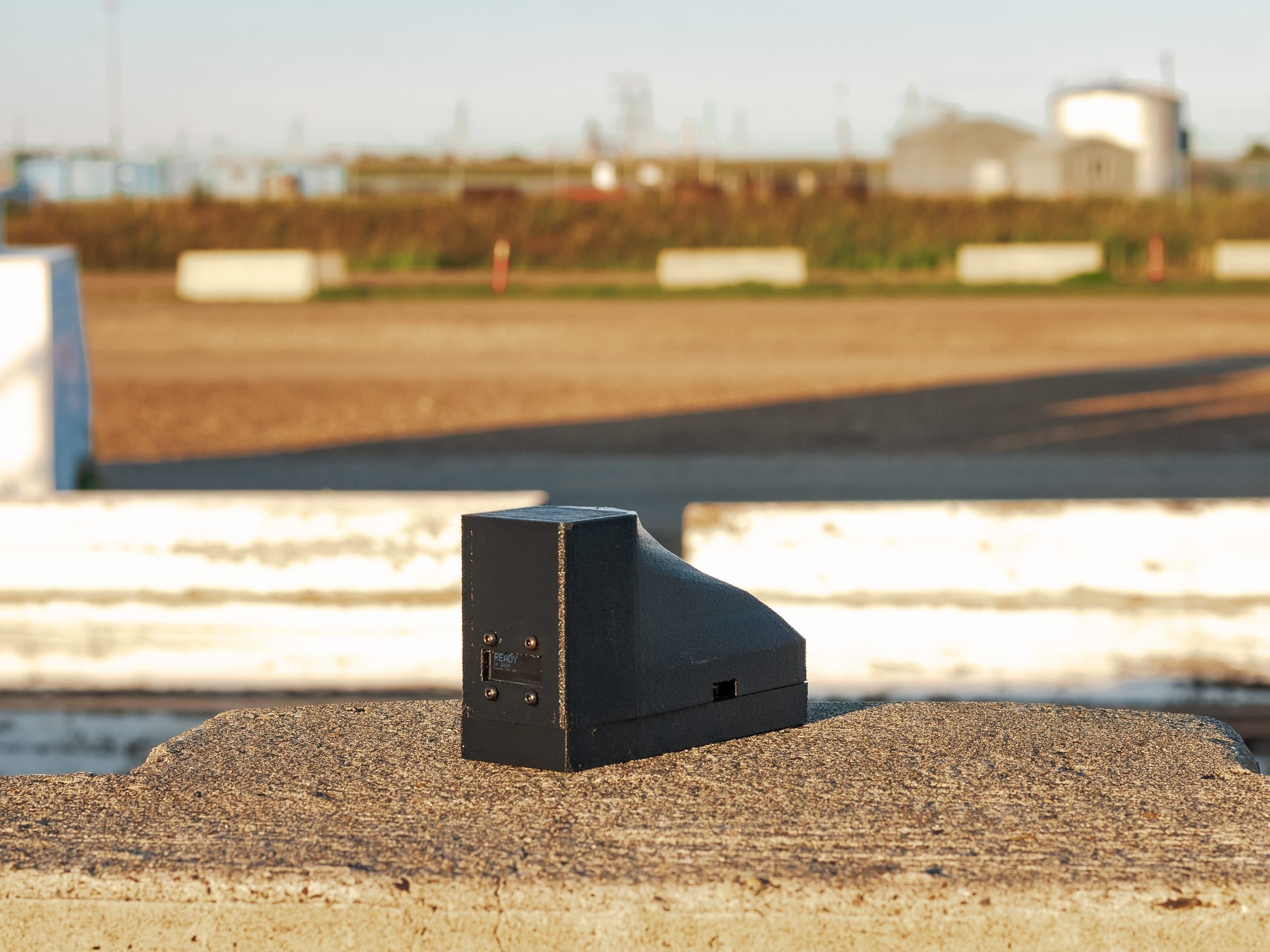
| Enclosure | Weather-resistant housing with status display |
|---|---|
| Positioning | Dual-band RTK GPS, with line crossings timed to sub-millisecond |
| Fix rate | 10 Hz position solution |
| Data logger | 10 Hz, centimetre-level GPS streamed over Bluetooth to RaceChrono, TrackAddict and Harry's LapTimer. Most standalone loggers are about 100 times less accurate. |
| Connectivity | Cellular LTE with global SIM (data included, no venue Wi-Fi needed) |
| Sunlight-readable display | Shows status, the live lap time, or any data from RaceChrono |
| Driver assignment | Tap a phone on the device, or sync the roster before the grid |
| Mounting | Strong cup magnets, lever suction cups, or pipe clamps for roll cages |
| Backup storage | Crossings are stored if cellular drops out and uploaded as soon as it returns |
| Battery | All-day runtime (8+ hours continuous operation) |
Base station
The same hardware as the device on the car, set up once per venue under open sky. It surveys its own position and broadcasts corrections across the paddock, which keeps every device at ±1 cm.
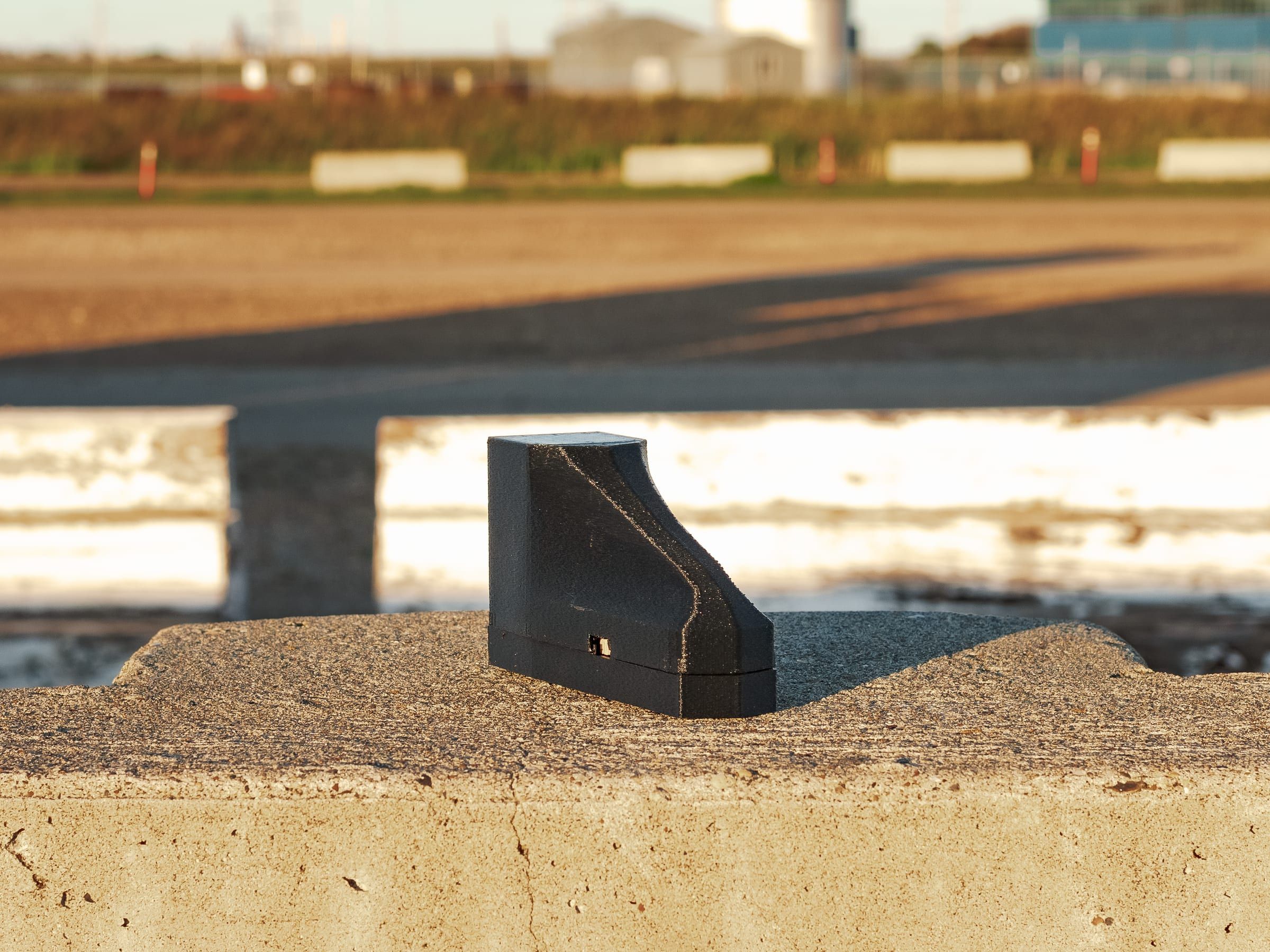
| Purpose | Keeps every device at ±1 cm by sending it live corrections |
|---|---|
| Setup | Surveys its own position at power-on, under open sky |
| Corrections | Broadcast live to every device at the venue |
| Connectivity | Cellular LTE with global SIM |
| Telemetry | Live battery, signal strength and survey status |
| Deployment | No cables to run |
| Coverage | About 5 km, and more base stations extend it |
| Power | All-day internal battery (8+ hours runtime) |
Everything the event needs, on the day.
Built in-house and included with every plan. Zero separate software licenses to buy.
Autocross, time attack or circuit lapping
Use separate or combined start and finish lines. Place drivers by fastest lap or by who crosses first.
Classing, PAX and cone penalties
Class drivers with PAX, WT:HP or your own classes, and set custom cone penalties (e.g. +2s). Drivers pick their class by car, as at DMS.
Step-by-step event setup and presets
Start a new event in steps: type, name and date, sessions, course, classes, penalties and launch. Pick a preset for autocross, hillclimb, time attack or race, and every setting stays editable. Your series can add its own presets.
Multi-session events and combined results
Run several sessions under one event. Combine them by the sum of the best run per session, the sum of the best few, the total of all runs, or an average, with a rule for DNFs. One row per driver, a column per session, then the total.
Track builder
Draw start, splits and finish on a satellite map. Add a pit lane, with pit in and pit out lines, and cut lines for track limits. Select any line to zoom to it, or pick a device to put a line exactly where the car is.
Driver setup on grid
Pre-assign drivers in race control, or drivers tap a phone on the device to set their own name, details and class.
Two-driver car sharing
Swap drivers in one click in race control, or by tapping a phone on the device.
Field marshalling
Corner marshals log cone hits and track status from their phone, or one person logs them centrally from a computer.
Launch timer and launch by marker
A countdown shows when to send the next car, with a live ready check for each car in the queue. Or set a launch marker on the course, and the next car is released when the car ahead crosses it.
Flags drivers can see
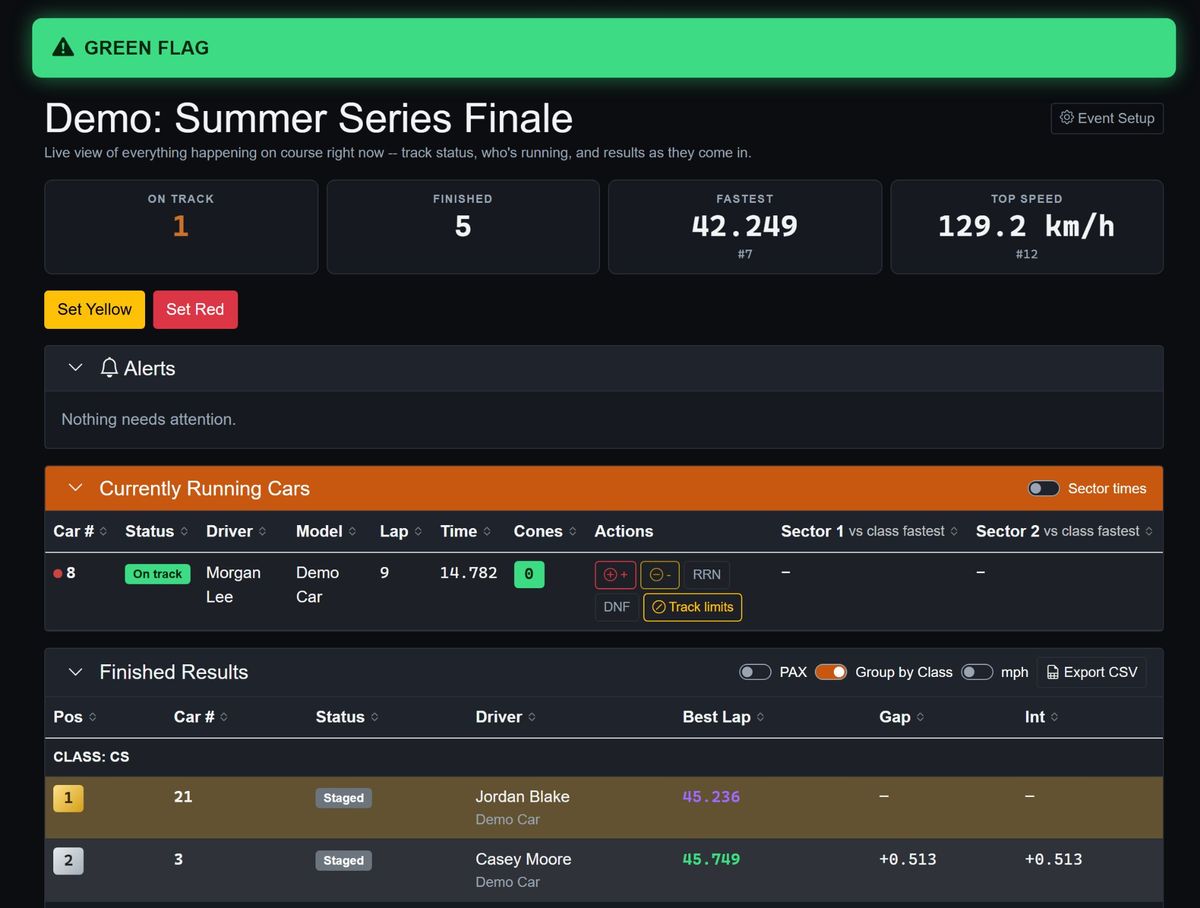
Red, yellow or green flags, with a flag, caution sign or stop sign symbol, show on the device, in the top bar and on every marshal page.
Race control
Reassign runs, apply penalties and manage system status instantly from one admin dashboard. For circuit racing it adds a pit board, pit times and speed, track limit warnings and penalties, and reinstating or retiring a car.
Live timing
Public live boards grouped by class, with splits, optimal laps and top speed. No app or login needed.
Championship scoring
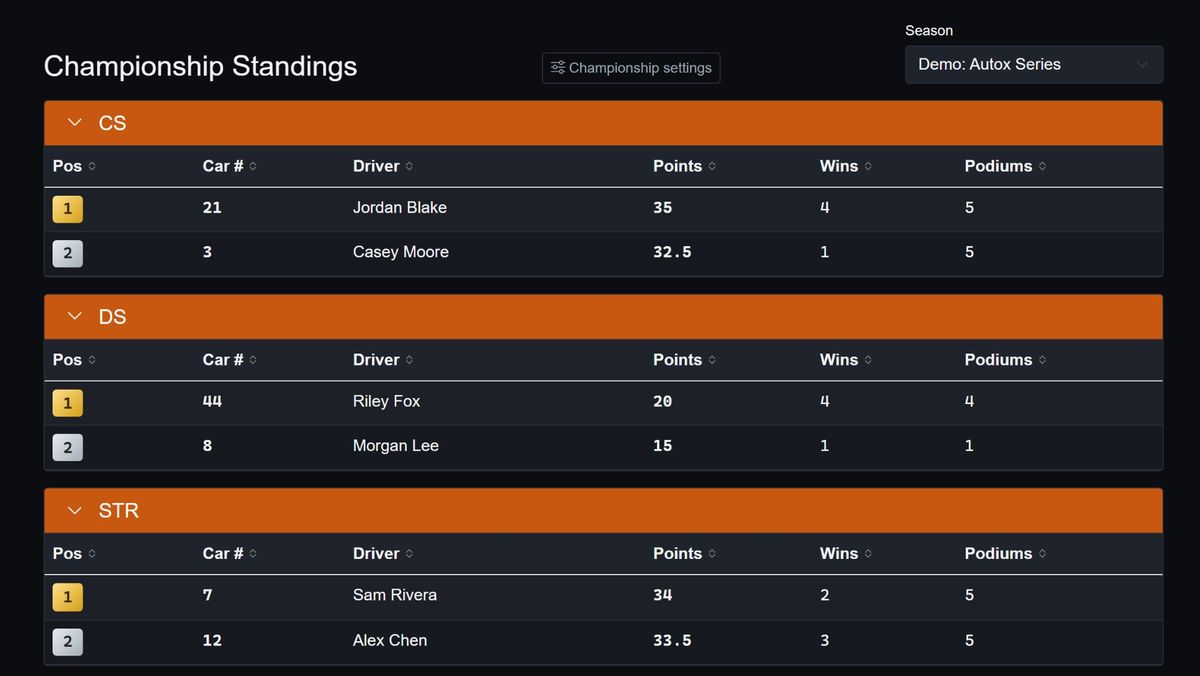
Points, drops and tiebreakers calculate automatically from your series rulebook.
White-label series branding
Your own subdomain, logo and timezone, so competitors and spectators see your brand.
Test the live demo
Explore live timing, splits and race control in our interactive browser sandbox.
Ready to see it at your track?
Tell us what you run, your entry count, and your season calendar. We will tell you if the system fits.